Descript vs. Opus Clip (2026): Full Editor or Purpose-Built Clipping Tool?
Pick Descript if you're producing the long-form video or podcast yourself and want one tool for recording, editing, and repurposing it. Pick Opus Clip if you already have long-form content and just want the fastest, cheapest way to turn it into posted short clips.
Workflow demo
Illustrative workflow map — not a product screenshot. Editor vs clipper — different roles in one pipeline.
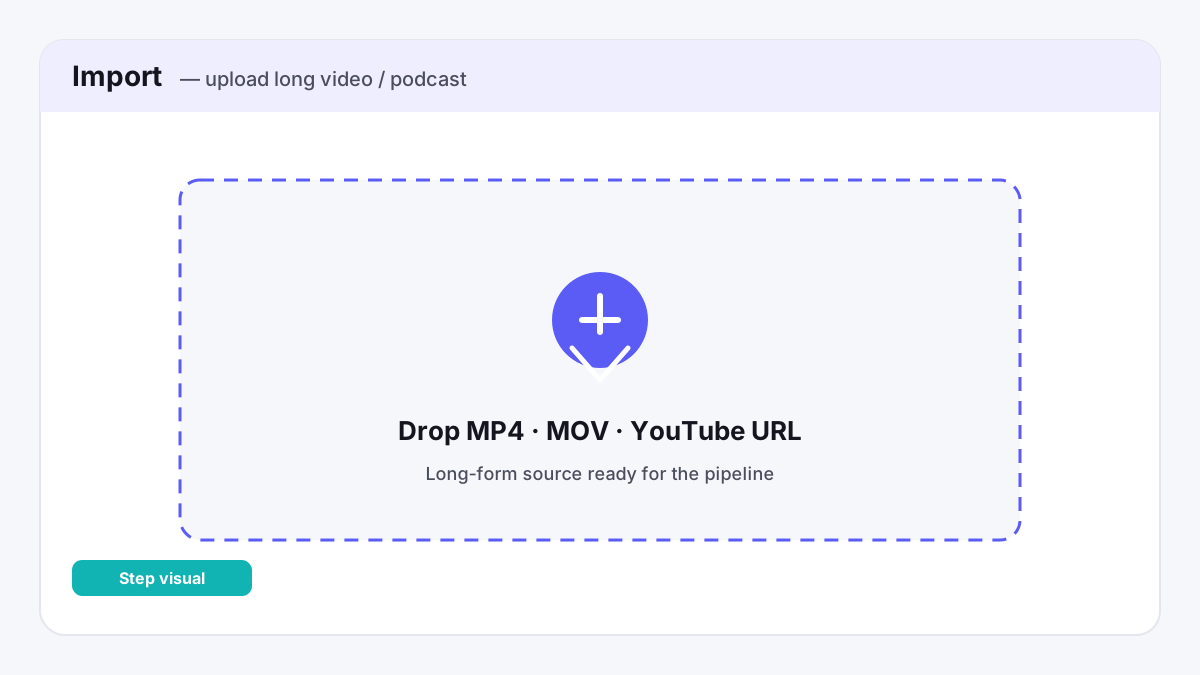
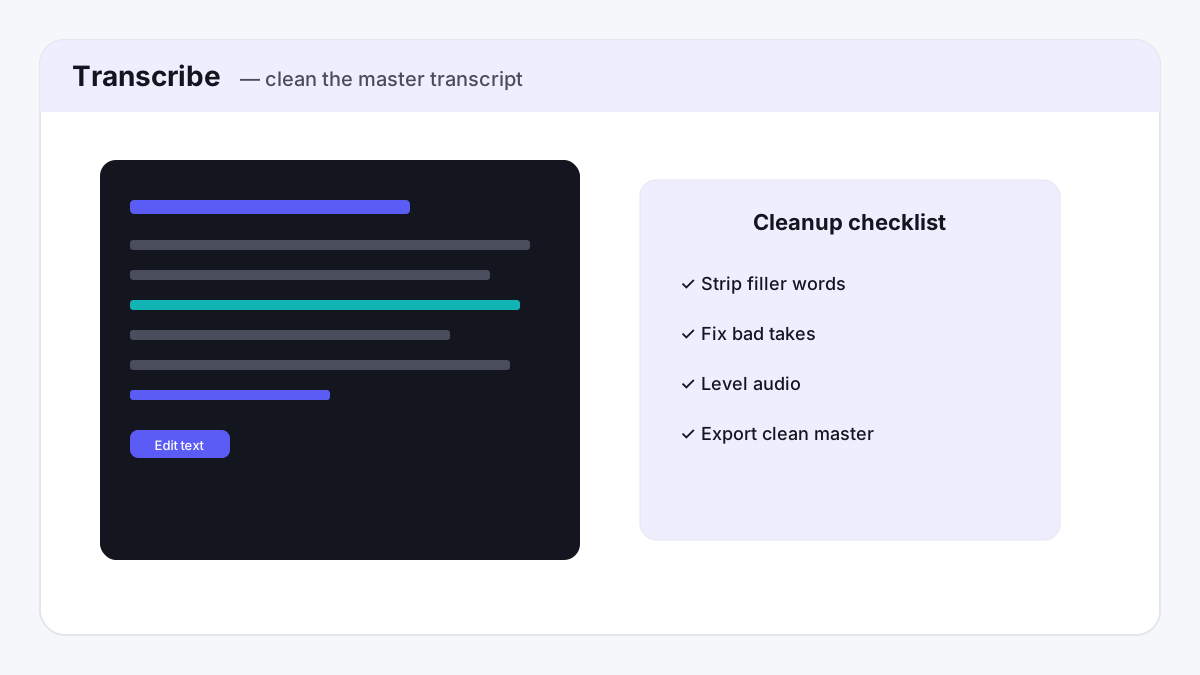
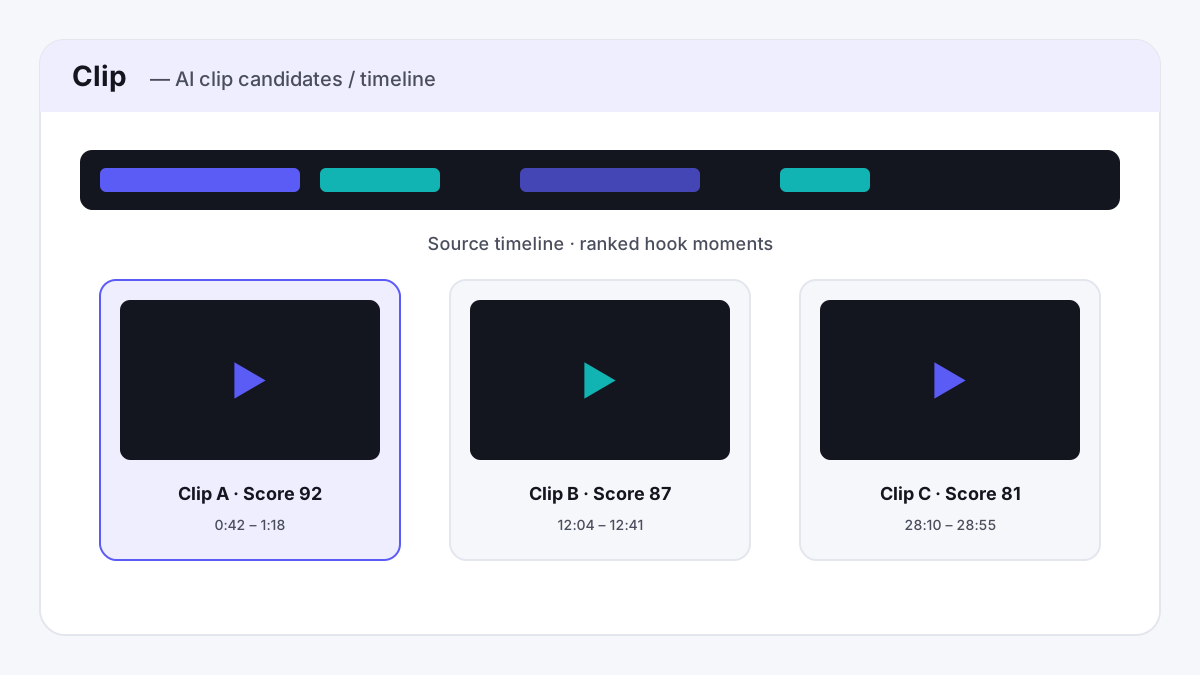
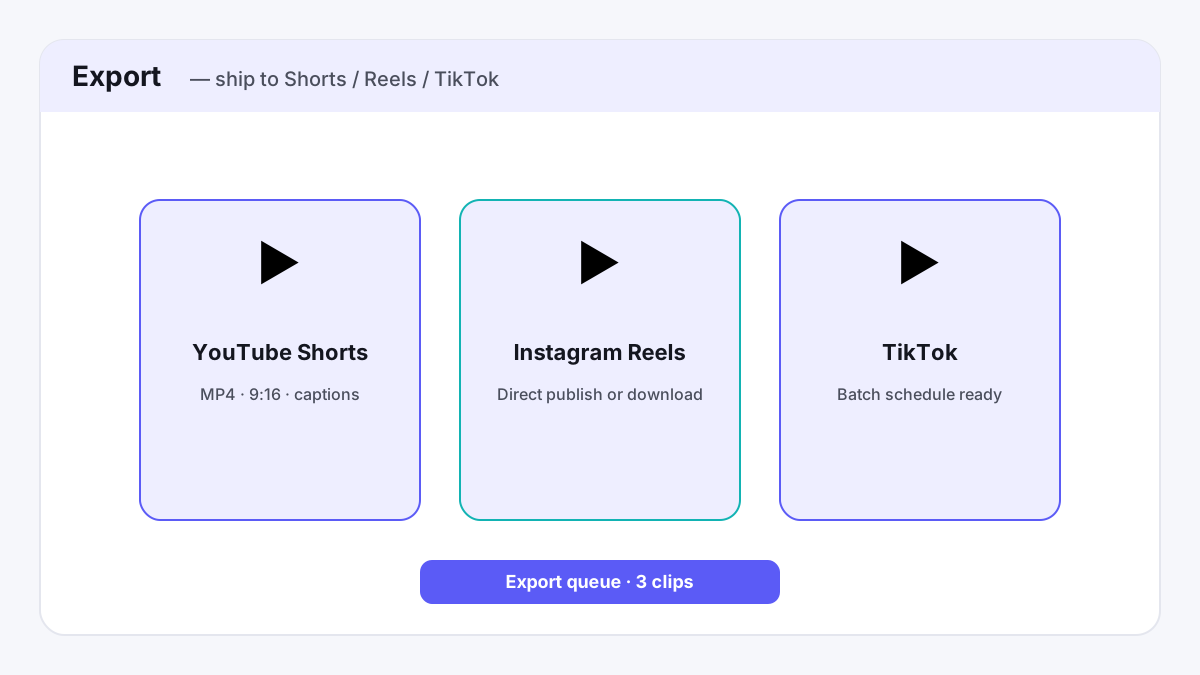
Descript and Opus Clip both get grouped together as "AI video tools for creators," but they're not really competing for the same job. Descript is a full text-based editor for the whole piece of content — record, transcribe, edit, add AI voices, translate, and yes, cut clips out of it too. Opus Clip does one thing: take a long-form video or podcast you already have and turn it into a batch of short, auto-captioned clips ready to post. Picking the wrong one for your workflow means paying for features you'll never touch. For the rest of the AI toolkit, see our full roundup of AI tools for content creators, or our existing comparison of Opus Clip vs. Vizard if you've already decided a dedicated clipping tool is what you need.
Pricing, side by side
Descript prices by media hours and AI credits per editor; Opus Clip prices by monthly credits that each clip consumes. Both offer a real free tier and a discount for annual billing.
| Plan | Descript | Opus Clip |
|---|---|---|
| Free tier | Free — 60 min media/mo, 100 AI credits one-time, 720p export | Free — 60 credits/mo, clips expire after 3 days, watermarked |
| Entry paid (monthly billing) | Hobbyist — $24/mo, 10 media hrs/mo, 400 AI credits/mo, 1080p watermark-free | Starter — $15/mo, 150 credits/mo, watermark-free, monthly billing only |
| Entry paid (annual billing) | Hobbyist — $16/mo, same allowances | No annual option on Starter |
| Most popular tier (monthly) | Creator — $35/mo, 30 media hrs/mo, 800 AI credits/mo, 4k export, team of 3 | Pro — $29/mo, 3,600 credits/yr, 2-seat workspace, B-roll, Premiere/DaVinci export |
| Most popular tier (annual) | Creator — $24/mo | Pro — $14.50/mo ($174/yr) |
| Top tier | Business — $50–65/mo, 40 media hrs/mo, 1500 AI credits/mo, team of 5, 30+ language dubbing | Business — custom pricing, custom seats/credits, API access |
Both companies now ship watermark-free export on their entry paid tier — that's changed on the Opus Clip side since earlier in 2026, when only its higher tier removed the watermark, so it's worth confirming current plan details yourself before assuming an older comparison still holds.
Where Descript wins
- It's a complete editor, not just a clipper. Text-based editing of your full-length video or podcast, remote recording rooms, screen recording, and a much broader AI toolset (Studio Sound, Eye Contact, Green Screen, Remove Filler Words) — Opus Clip has none of this, because it assumes the long-form content already exists somewhere else.
- Higher media allowance for the price at the entry tier. Hobbyist's 10 hours/month of media at $16–24/mo covers a lot more raw footage than Opus Clip's credit-based Starter plan, if what you need is to edit the long-form piece itself rather than just clip it.
- Translation and dubbing. Business-tier Descript can translate and dub video into 30+ languages with proofreading — Opus Clip has no equivalent feature at any tier.
Where Opus Clip wins
- Purpose-built for the repurposing workflow specifically. Virality Score scoring per clip, genre-specific reframing, and auto-posting straight to YouTube Shorts, TikTok, and Instagram Reels — Descript's "Create Clips" is one AI tool among 20+, not the product's whole reason for existing.
- Cheaper entry point if clipping is all you need. $15/mo Starter (watermark-free) beats Descript's $24/mo (or $16/mo annual) Hobbyist tier if you have no use for a full editor, recording rooms, or translation features you'd be paying for and not using.
- A social media scheduler and clip-level analytics on the Pro tier — built around getting clips published and tracked, not just produced.
The verdict
If you're producing the original long-form video or podcast yourself and want one tool for recording, editing, and repurposing it, Descript's broader feature set — real editing, remote recording, translation — covers the whole pipeline for a comparable price at the entry tier.
If you already have long-form content from elsewhere and just want the fastest, cheapest path from "long video" to "a batch of posted short clips," Opus Clip's purpose-built clipping engine and auto-posting get you there without paying for editing features you won't use.
See Descript's plans See Opus Clip's plansRelated comparisons
- CapCut vs Descript vs Opus Clip (2026) — three-way polish / transcript / volume
- Descript vs. Opus Clip — full editor or purpose-built clipping?
- Opus Clip vs. Vizard — which AI clipping tool fits your volume?
- ElevenLabs vs. Murf.ai — creator voice vs. presentation voiceovers
- Best AI Video & Voice Stack (2026) — Budget / Creator / Agency paths
A note on how we evaluated this
Pricing above is based on each company's published pricing pages as of Oct 9, 2026, checked directly on descript.com/pricing and opus.pro/pricing rather than third-party aggregators, including each vendor's full plan-comparison table. We have not run a hands-on side-by-side test of either tool's actual clip quality or editing experience yet — treat the pricing and feature analysis above as reliable, and the "best for" judgment as a starting point rather than a substitute for trying each tool's free tier yourself.
Frequently asked questions
Is Descript or Opus Clip better for repurposing a podcast into short clips?
Opus Clip is purpose-built for this: it scores clips by a Virality Score, auto-captions them, and posts them straight to TikTok, YouTube Shorts, and Instagram Reels. Descript can cut clips too, but it's one feature among 20+ in a full editor, not the product's main focus.
Does Opus Clip's cheapest plan still have a watermark?
As of August 2026, no — Opus Clip's $15/mo Starter plan is watermark-free. That's a recent change; earlier in 2026 only the higher Pro plan removed the watermark, so older comparisons elsewhere may still say otherwise.
Can Descript replace a dedicated clipping tool like Opus Clip?
Partially. Descript's Create Clips tool can produce short clips from long-form media, but it lacks Opus Clip's virality scoring, genre-specific reframing, and direct auto-posting to social platforms — features built specifically around the repurposing workflow.