Opus Clip vs. Vizard (2026): Which AI Clipping Tool Should You Actually Buy?
Pick Opus Clip if you want fewer tools in your pipeline and plan to finish clips in Premiere or DaVinci. Pick Vizard if you're processing high volumes of source video and want more minutes for the same money.
Workflow demo
Illustrative workflow map — not a product screenshot. Same clipping job — compare how each tool fits the pipeline.
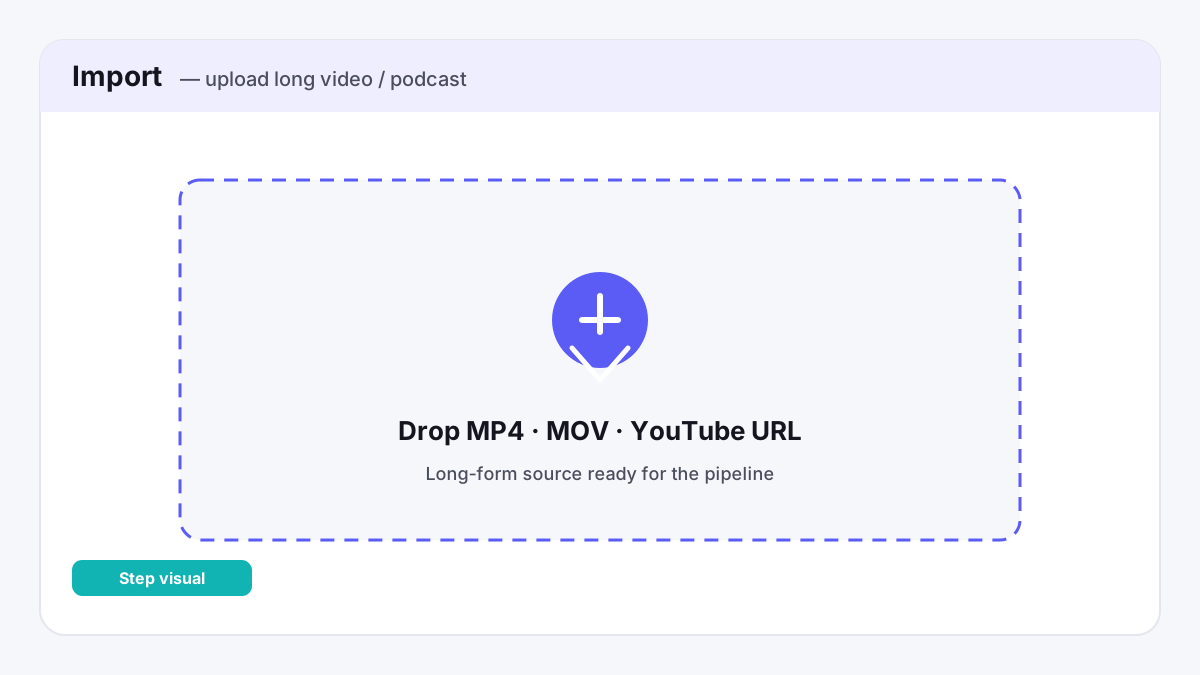
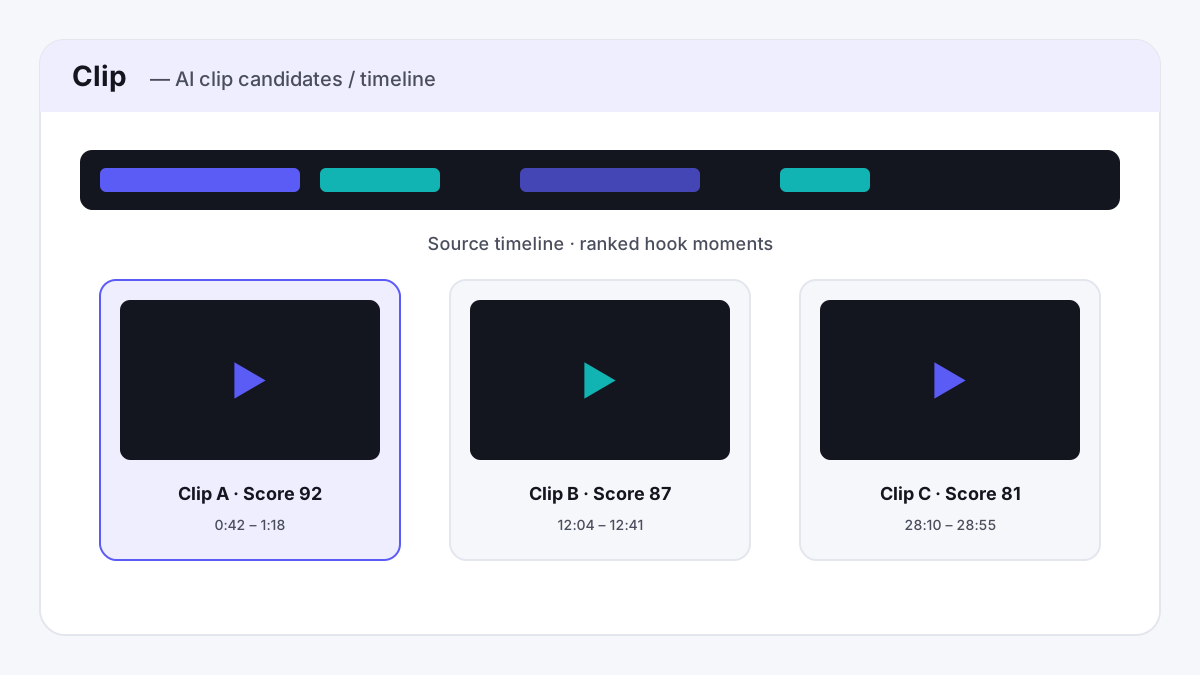
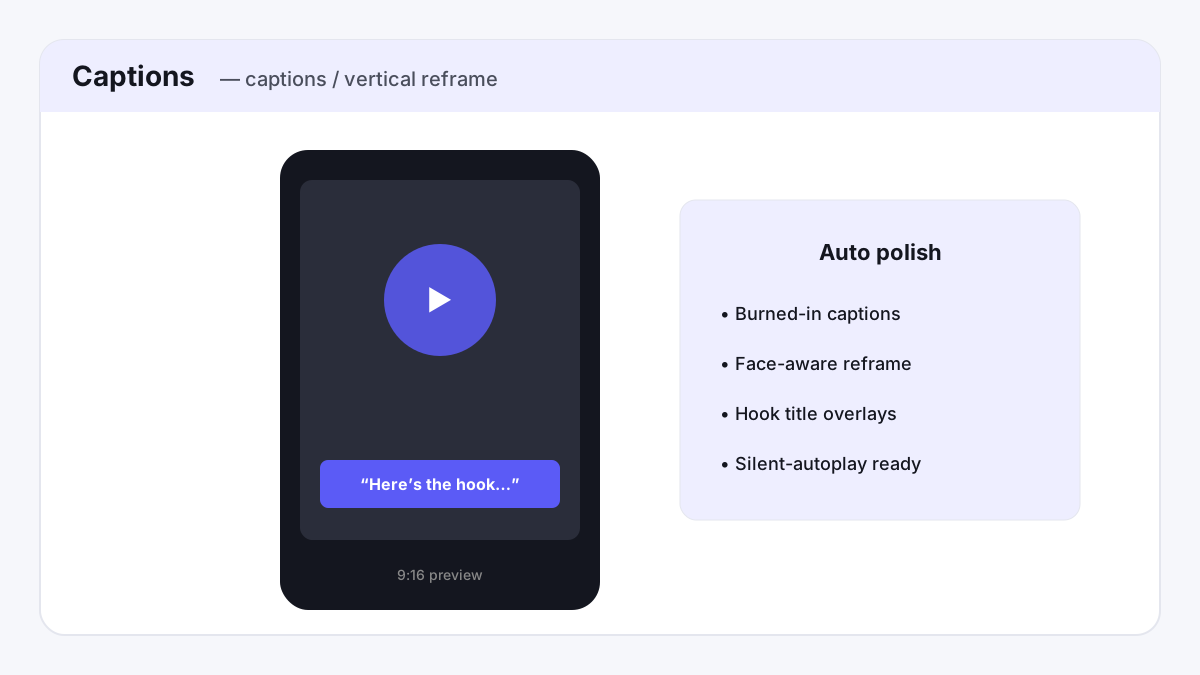
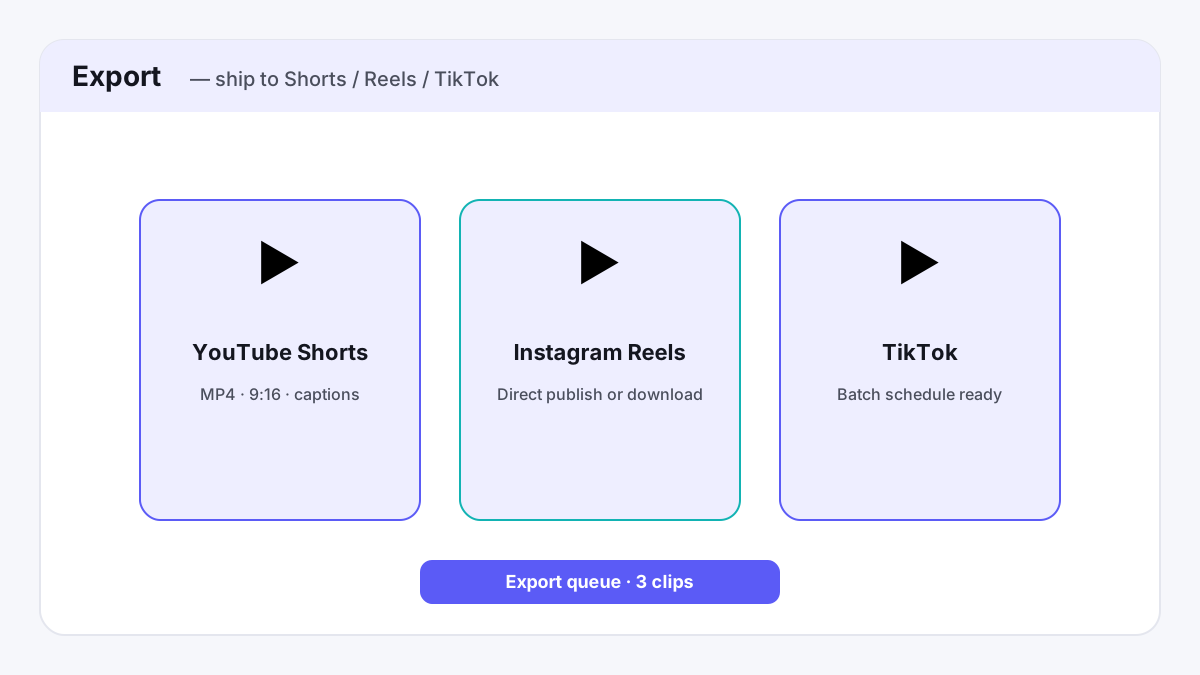
What the UI maps show
- Opus Clip: After a long source finishes, the useful surface is the ranked candidate list (virality-style scores, hook windows, captions / 9:16). The finish path that matters for many editors is Premiere / DaVinci export on Pro — not a prettier player.
- Vizard: The volume thesis shows up as minutes allotment + multi-account publish affordances. At the published Creator price band, minutes-per-dollar is the differentiator versus Opus Pro’s smaller allotment.
- Honest limit: I did not run stopwatch benchmarks. Buy on job fit (finish in NLE vs minutes + posting seats), then confirm current minutes on each vendor.


Illustrative UI maps, not screenshots of a test account.
If you make short-form clips out of long-form video or podcast episodes, Opus Clip and Vizard are the two names that come up constantly — and for good reason, since they're built to do almost exactly the same job: feed in a YouTube link or upload a file, and get back a batch of AI-selected, captioned, reframed clips ready for TikTok, Reels, and Shorts. The pricing is close enough that the decision usually comes down to a handful of concrete differences rather than cost. For more on the rest of the AI toolkit, see our full roundup of AI tools for content creators, or if you're not sure a dedicated clipping tool is even what you need, see our Descript vs. Opus Clip comparison.
Pricing, side by side
Both companies price around a "credits = minutes of source video" model, and both land on the exact same $29/mo (or $14.50/mo billed annually) price point for the plan that actually removes the watermark — which makes the feature differences below the real deciding factor, not the sticker price.
| Plan | Opus Clip | Vizard |
|---|---|---|
| Free | 60 processing minutes/mo, watermarked | 60 credits/mo (60 min), watermarked, capped at 10-minute exports |
| Entry paid tier | Starter — $15/mo, 150 credits/mo, watermark-free (as of Aug 2026) | — (Vizard has no equivalent low-cost entry tier) |
| Most popular tier | Pro — $29/mo, or $14.50/mo billed annually ($174/yr) — 300 min/mo | Creator — $29/mo, or $14.50/mo billed annually ($174/yr) — 600+ min/mo |
| Team tier | Included: 2 users on the Pro plan | Business — $39/mo ($19.50/mo annually) — extra seats cost +$5/mo each |
Worth noting: Opus Clip's $15/mo Starter plan is now watermark-free — that's changed since this article was first published, when only the Pro plan removed it. Vizard has no equivalent low-cost tier, so if you just need basic watermark-free clipping without the higher volume or team features, Opus Clip's Starter plan is the cheaper entry point of the two.
Where Opus Clip wins
- Direct export to a real editor. Opus Clip's Pro plan exports straight into Adobe Premiere Pro and DaVinci Resolve — useful if you or an editor want to do finishing work in a proper NLE instead of staying inside the tool's own editor.
- Team seats included, not billed per-seat. Pro includes a 2-user team workspace at no extra cost; Vizard charges an additional $5/mo for every seat beyond the plan's base, even on its Business tier.
- AI B-roll generation. Included on Opus Pro, useful for filling gaps in talking-head footage without sourcing stock clips separately.
Where Vizard wins
- More processing minutes for the same price. Vizard's Creator plan (600+ minutes/mo) outpaces Opus Pro's 300 minutes/mo at the identical $29/mo ($14.50/mo annual) price point — meaningful if you're processing long-form episodes regularly rather than short clips.
- Uncapped export length on paid plans. Vizard's free plan caps exports at 10 minutes, but both paid tiers remove that limit entirely; Opus Clip doesn't advertise an equivalent hard export-length cap even on its free plan, but Vizard's higher minute allowance still nets out ahead for high-volume use.
- More social accounts and direct publishing per plan. Creator supports 6 connected social accounts with direct publishing and scheduling; Business bumps that to 20 — useful if you're managing multiple channels or client accounts from one place.
The verdict
If you want fewer tools in your pipeline and plan to finish clips in Premiere or DaVinci, or you need a team workspace without paying per seat, Opus Clip's Pro plan is the tighter fit.
If you're processing a high volume of source video every month and want more minutes for the same money, or you're managing several social accounts and want direct publishing built in, Vizard edges ahead at the same price point.
See Opus Clip's plans See Vizard's plansRelated comparisons
- Shorts job: buy one clipper, not two — who should buy, who should skip
- Faceless YouTube stack — ElevenLabs, CapCut, Opus Clip in buying order
- AI tool price tracker — every plan we cover, with the date we checked
- Descript vs. Opus Clip — full editor or purpose-built clipping?
- Best AI clipping tools for volume — minutes, watermarks, multi-account publishing
- Long video → Shorts workflow — clean master first, then clip
- Webinar → clips workflow — where Vizard's minutes pay off
- ElevenLabs vs. Murf.ai — creator voice vs. presentation voiceovers
- Best AI Video & Voice Stack (2026) — Budget / Creator / Agency paths
A note on how we evaluated this
Pricing above is based on each company's published pricing pages as of August 2026 (rechecked Sep 2026), cross-checked directly against opus.pro and vizard.ai rather than third-party pricing aggregators. The What the UI maps show section adds annotated UI workflow maps for ranking vs minutes/publish — not a stopwatch bake-off of clip-selection quality. Treat pricing and feature analysis as the reliable part, use the maps for job-fit clarity, and still try each free plan yourself before you buy.
Frequently asked questions
Is Opus Clip or Vizard cheaper for watermark-free clips?
Opus Clip is cheaper if all you need is basic watermark-free clipping: its $15/mo Starter plan removes the watermark, and Vizard has no equivalent low-cost tier. At the most popular tier, both cost the same — $29/mo, or $14.50/mo billed annually.
Which gives more processing minutes for the money, Opus Clip or Vizard?
Vizard. Its Creator plan includes 600+ minutes/month at the same $29/mo ($14.50/mo annual) price point where Opus Clip's Pro plan includes only 300 minutes/month.
Does Opus Clip or Vizard export directly to Premiere Pro or DaVinci Resolve?
Opus Clip's Pro plan exports straight into Adobe Premiere Pro and DaVinci Resolve for further editing. Vizard does not offer an equivalent direct-export feature to those editors.